


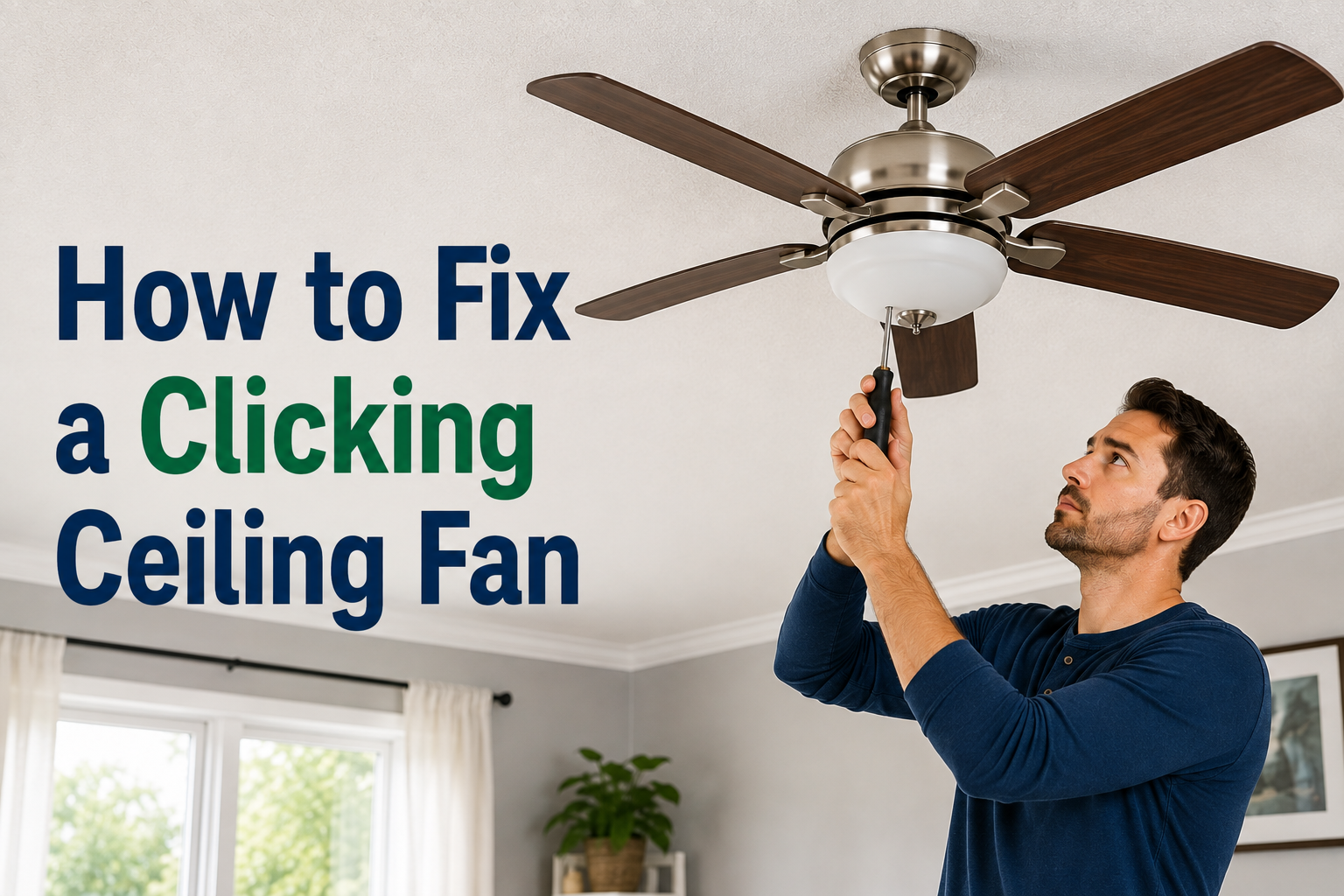
A ceiling fan is supposed to run quietly in the background, cooling your room without drawing attention to itself. So when it suddenly starts making a clicking sound every time the blades spin around, it’s hard to ignore. The noise can feel small at first, but over time it becomes distracting enough that you can’t relax, watch TV, or fall asleep with the fan on.
The good news is that learning how to fix a clicking ceiling fan is usually a simple job that doesn’t require an electrician or a new fan. In most homes, the sound comes from something loose rather than something broken. A screw has worked its way free, a light cover isn’t seated properly, or the pull chain is tapping against the fan as it spins. These are all things a homeowner can check and correct in under thirty minutes with a basic screwdriver.
That said, a small number of cases point to a deeper issue, such as a worn motor bearing or a wiring problem inside the housing. This guide walks you through every likely cause in order, from the easiest fix to the ones that need professional attention, so you can work through the problem methodically instead of guessing.
Safety First
Before touching any part of the fan, it’s worth taking a moment to set yourself up safely. Ceiling fans are connected to your home’s electrical wiring, and even simple maintenance should start with the power switched off.
Begin by turning the fan off at the wall switch, then head to your home’s breaker panel and switch off the breaker that controls the fan as well. This second step matters because some wall switches only control the light kit and not the fan motor itself, so relying on the switch alone can leave the motor live while you’re working on it.
You don’t need a large toolkit for this job. A Phillips screwdriver, a flat-head screwdriver, and a sturdy step ladder are usually enough to handle every fix in this guide. If your fan is mounted on a very high or vaulted ceiling, or if you’re not comfortable working on a ladder, it’s better to have someone assist you or to call a professional instead of taking unnecessary risks.
Common Causes of a Clicking Ceiling Fan
Most clicking sounds trace back to one of a handful of causes. The table below gives you a quick overview before we go through each one in detail.
| Cause | How Common | Difficulty to Fix |
|---|---|---|
| Loose blade screws | Very common | Easy |
| Loose light kit or glass globe | Very common | Easy |
| Loose mounting screws or canopy | Common | Easy |
| Pull chain hitting the fan | Common | Easy |
| Warped or bent blades | Occasional | Moderate |
| Blade arm rubbing the flywheel | Occasional | Moderate |
| Worn motor bearings | Rare | Needs a professional |
| Loose internal wiring | Rare | Needs a professional |
Loose Blade Screws
Every time a fan blade spins, it’s absorbing tiny amounts of vibration. Over months or years, that vibration can slowly loosen the screws that hold each blade to its bracket, or the screws that attach each bracket to the motor. Once a screw is even slightly loose, the blade shifts a fraction of a millimeter with every rotation, and that tiny movement is often exactly what produces a rhythmic click.
Loose Light Kit or Glass Globe
If your ceiling fan has an attached light fixture, the glass shade or globe is usually held on by a small set screw or by threading onto a base. If it isn’t tightened all the way, the glass can vibrate against its metal fitting as the fan spins, creating a clicking or tapping sound that seems to be coming from the blades even though it isn’t.
Loose Mounting Screws or Canopy
The canopy is the round cover that sits flush against your ceiling, hiding the electrical box and wiring. The screws holding the canopy in place, along with the ones connecting the motor housing to the downrod, can loosen over time just like the blade screws. When this happens, the entire fan body can shift very slightly, and that movement often produces a light clicking noise.
Pull Chain Hitting the Fan
This is one of the simplest causes to miss because it seems too obvious. If the pull chain for the light or fan speed is a bit too long, it can swing and tap against the light kit or the blades as they rotate. It’s worth checking this before assuming the problem is mechanical.
Warped or Bent Blades
Fan blades are usually made of lightweight wood, plastic, or thin metal, and they can warp slightly due to humidity, heat, or an accidental bump. A warped blade may not be visibly bent, but it can be just misaligned enough to graze against the motor housing or its own bracket during rotation, creating a repeated clicking sound.
Blade Arm Rubbing the Flywheel
The flywheel is the central part of the fan that all the blade brackets attach to. If a bracket has shifted or isn’t seated correctly, it can lightly rub against the flywheel housing with every rotation. This is a bit trickier to spot because you usually need to watch the fan closely while it’s running to catch it.
Worn-Out Motor Bearings
Inside the fan’s motor are small bearings that allow it to spin smoothly. Over years of use, these can wear down, leading to noise that sounds like clicking, grinding, or humming depending on how worn they are. This is a mechanical issue inside the motor itself and isn’t something you can fix by tightening screws.
Loose Internal Wiring
In rare cases, a wire inside the motor housing or canopy can come loose and vibrate against the housing, producing a clicking sound. Because this involves the fan’s electrical wiring, it’s a job for a licensed electrician rather than a DIY fix.
Step-by-Step Troubleshooting Guide
Once you understand the possible causes, working through them in order is the fastest way to solve the problem. Here’s exactly how to fix a clicking ceiling fan step by step.
Step 1: Turn Off the Power Switch off the fan at the wall and at the breaker before doing anything else. Wait a moment for the blades to come to a complete stop.
Step 2: Tighten the Blade Screws Using a Phillips screwdriver, go around each blade and gently tighten the screws connecting it to its bracket. Then check the screws connecting each bracket to the motor housing. Don’t overtighten, as this can strip the screw hole in the blade.
Step 3: Check the Light Kit and Glass Shade If your fan has a light kit, tighten the screws holding it to the motor housing. Then check whether the glass globe or shade is fully secured, either by tightening its set screw or making sure it’s screwed all the way onto its base.
Step 4: Inspect the Mounting Hardware Climb the ladder and gently push up on the canopy to see if it feels loose. If it does, tighten the screws holding it in place. Also check where the motor housing connects to the downrod, as this connection point can loosen over time too.
Step 5: Adjust or Shorten the Pull Chain Pull the chain away from the fan and check whether it’s long enough to swing into the blades or light kit during rotation. If so, either shorten it slightly or attach a small chain clip to keep it hanging closer to the fixture.
Step 6: Check Blade Alignment and Balance With the power still off, gently spin the blades by hand and watch how they move. If one blade looks lower or higher than the others, or if it seems to wobble differently, it may be warped and slightly out of alignment with the rest.
Step 7: Examine the Flywheel and Brackets Turn the power back on briefly and watch the fan closely, ideally from the side rather than looking straight up. If you notice a blade bracket brushing against the flywheel housing as it spins, turn the fan off again and gently reposition or tighten that bracket.
Step 8: Test at Multiple Speeds Once you’ve made your adjustments, turn the fan back on and let it run through low, medium, and high speeds. Some clicking sounds only appear at certain speeds, so testing all three helps confirm whether the issue is actually resolved.
How to Tell If It’s a Motor Problem?
If you’ve worked through every step above and the fan is still clicking, the issue is more likely coming from inside the motor itself. A few signs point in this direction. The clicking may be accompanied by a faint grinding or humming sound, especially at higher speeds. The fan may also feel slightly warm to the touch after running for a while, or the noise might not change no matter how much you tighten the visible hardware.
Bearing wear tends to develop gradually and worsen over time rather than staying the same. If the sound has been getting louder or more frequent over several weeks, that’s a reasonable sign that the motor bearings are wearing down.
Repairing a motor is usually more involved and more expensive than simply replacing an older fan, especially if the fan is more than eight to ten years old. A licensed electrician or appliance repair technician can open the housing safely and tell you whether a bearing replacement is worthwhile or whether a new fan makes more financial sense.
Tools You Might Need
You don’t need anything specialized to work through this checklist. A short list of household tools will cover almost every situation:
- A Phillips-head screwdriver for blade, bracket, and canopy screws
- A flat-head screwdriver for certain light kit fittings
- A sturdy step ladder tall enough to reach the fan comfortably
- A flashlight to inspect the underside of the motor housing and flywheel
- A fan blade balancing kit, if you suspect one blade is slightly heavier or misaligned compared to the others
Preventive Maintenance Tips
A little regular upkeep goes a long way toward preventing clicking sounds from coming back. Every few months, take a moment to check that all the visible screws on your fan are still snug, since normal vibration loosens them gradually even on a well-installed fan. Dust and clean the blades regularly too, as a buildup of dust on one blade can throw off the fan’s balance just enough to create noise over time.
If your fan model allows it, a small drop of lightweight machine oil on the motor bearings once a year can help keep things running smoothly, though many modern fans use sealed bearings that don’t require this. It’s also worth setting a simple seasonal reminder, such as when you switch the fan’s direction for winter and summer, to do a quick screw check at the same time.
When to Call a Professional?
While most causes of a clicking ceiling fan are easy DIY fixes, there are moments when it’s smarter to bring in a professional. If the clicking continues even after you’ve tightened every screw and checked the blades and pull chain, the issue is likely mechanical or electrical and sits inside the motor housing. Any sign of a burning smell, sparking, or a warm wall switch should also be treated as a signal to stop troubleshooting yourself and call an electrician right away.
If your fan is still under warranty, opening the motor housing yourself could void that coverage, so it’s worth checking your warranty terms before attempting anything beyond the basic external fixes covered in this guide.
Frequently Asked Questions
Why does my new ceiling fan click even though it’s brand new? New fans can click simply because factory screws haven’t fully settled yet, or because a blade wasn’t perfectly balanced during manufacturing. Tightening the blade and bracket screws usually resolves this quickly.
Is a clicking ceiling fan a fire hazard? In most cases, no. Clicking is usually mechanical, coming from loose hardware rather than an electrical fault. However, if the clicking is paired with a burning smell, sparks, or unusual heat, it should be treated as a potential electrical issue and inspected by a professional.
Can I fix this myself without hiring an electrician? Yes, for the vast majority of cases. Tightening screws, adjusting the pull chain, and checking blade alignment are all safe tasks for a homeowner as long as the power is switched off first. Only the internal motor and wiring issues require an electrician.
How much does professional repair typically cost? Costs vary by location and the nature of the problem, but a simple service call is usually far cheaper than replacing the fan entirely, while a full motor replacement may cost close to the price of a new fan. It’s worth getting a quote before deciding which route to take.
Conclusion
A clicking ceiling fan is annoying, but it’s rarely a sign of a serious problem. In the majority of homes, the fix comes down to tightening a few screws, adjusting a light globe, or shortening a pull chain that’s swinging into the blades. Working through the troubleshooting steps in order, from the simplest checks to the more involved ones, will solve the issue for most people without needing to call anyone in.
If you’ve gone through every step and the fan is still clicking, that’s a reasonable point to bring in a professional, especially if you notice heat, sparking, or a smell alongside the noise. Either way, a few minutes of regular maintenance a couple of times a year is the easiest way to keep your fan running quietly for years to come.
Related Articles
How to Stain Wood Floors: A Step-by-Step Guide
How to Get Super Glue Off a Wood Floor? Without Ruining the Finish
How Long Do Toilets Last? A Complete Homeowner’s Guide
How to Turn Off Water to a Toilet: A Complete Step-by-Step Guide